

How to Find Products Using Keywords on Spocket
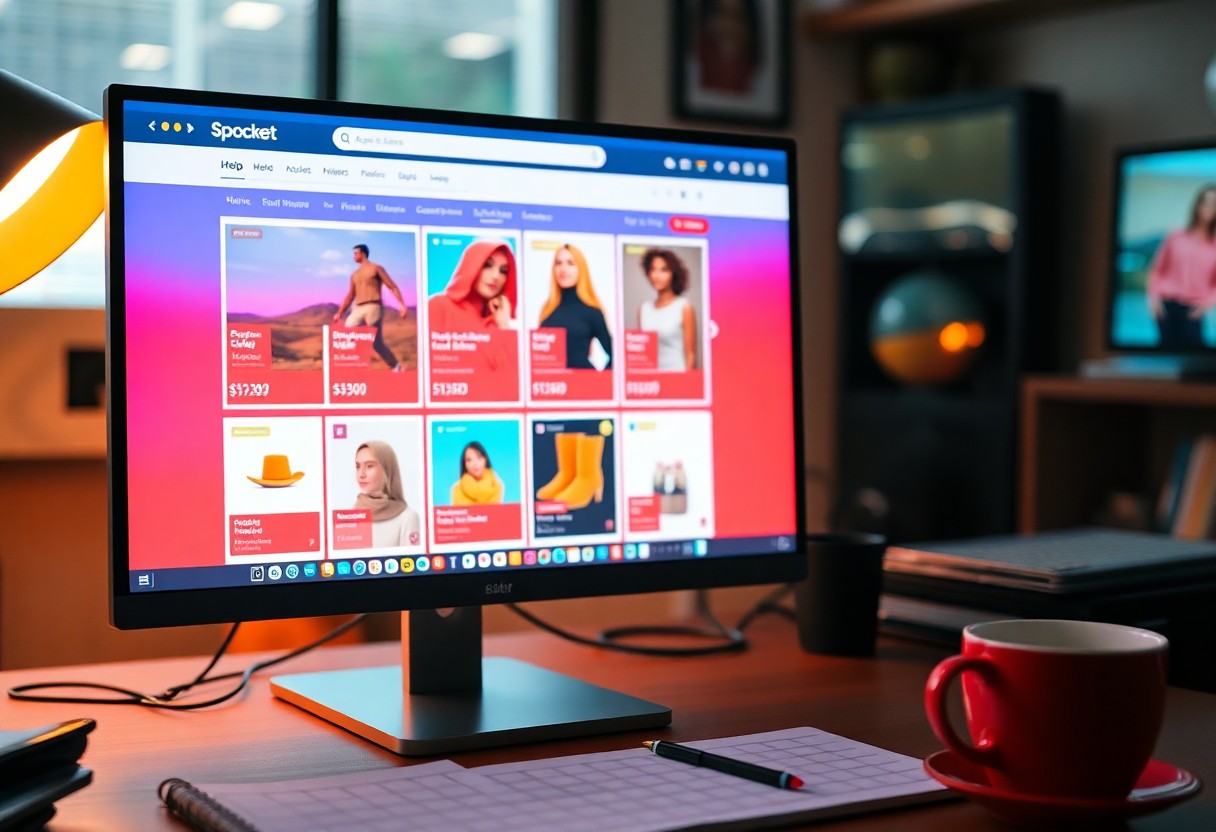
There’s a simple way to locate products on Spocket using keywords, which can significantly enhance your shopping experience. By entering specific terms like “áo phong” (t-shirts) into the search bar, you’ll quickly see a list of relevant items displayed, complete with prices and important details that aid in your selection. This method not only saves time but also ensures you find exactly what you need, making product sourcing more efficient and tailored to your preferences.

Understanding Keywords
Using the right keywords is crucial for finding the products you want on Spocket. A clear grasp of how keywords work enables you to navigate their vast inventory effectively. For more guidance on this aspect, check out How To Find Bestselling Dropship Products In Spocket …
Importance of Keywords
Effective keywords streamline the search process on Spocket, allowing you to quickly locate products that suit your niche. By choosing or modifying keywords, you can refine search results according to your target audience’s preferences, helping you find relevant items faster.
Types of Keywords
Keywords can be categorized into four main types: short-tail, long-tail, brand, and product-specific. Each type serves a different purpose; for instance, short-tail keywords have broader searches, while long-tail keywords target specific queries. This distinction can significantly influence the efficiency of your searches.
| Short-tail Keywords | Broad search terms like “clothing” or “accessories.” |
| Long-tail Keywords | More specific phrases such as “men’s white t-shirts.” |
| Brand Keywords | Searches that include a specific brand name, e.g., “Nike sneakers.” |
| Product-specific Keywords | Terms focused on particular items or styles, like “floral print dress.” |
| Seasonal Keywords | Keywords that target seasonal trends, such as “summer hats.” |
When searching for products on Spocket, using the appropriate keywords can enhance your results and reduce the time spent sifting through irrelevant items. The right keywords allow you to pinpoint exactly what you want, whether it’s casual wear, accessories, or specific brands, facilitating better decision-making.
- short-tail keywords increase visibility.
- long-tail keywords target niche markets.
- brand keywords build brand loyalty.
- product-specific keywords focus searches.
- seasonal keywords align with purchasing trends. The
| Focus Keywords | Essential for refining searches |
| Keyword Variants | Explore synonyms and related terms |
| Seasonal Variations | Adjust keywords based on trends |
| Geographic Keywords | Target audiences based on location |
| Descriptive Keywords | Enhance product specificity |
Using the Search Bar Effectively
When utilizing Spocket’s search bar, precision is key to uncovering the products you’re after. A simple search using relevant keywords like “áo phong” will provide you with an array of results tailored to your query. The displayed products include important information such as pricing, supplier details, and product images, ensuring you have everything needed to make informed decisions.
Entering Keywords
Inputting your keywords directly into the search bar is straightforward. When you type in terms like “áo phong,” Spocket instantly generates relevant listings. Be mindful of spelling and phrasing, as variations can alter the results you see, potentially affecting your selection process.
Filters and Sorting Options
To narrow down your search results and find exactly what you need, utilize Spocket’s filters and sorting options. You can filter by price range, supplier location, and product type. Sorting options allow you to arrange results by relevance or price, making it easier to sift through various listings.
By adjusting the filters, you can quickly hone in on products that match your specific criteria. For instance, if you set a maximum price limit, you’ll eliminate higher-priced options, saving you time and ensuring you stay within your budget. Additionally, choosing the supplier’s origin can help you find local products, potentially enhancing shipping times and costs. This targeted approach not only streamlines your buying process but also empowers you to make selections that align perfectly with your store’s needs.
Tips for Better Search Results
Enhancing your product search on Spocket involves a few strategic measures. Start by utilizing main keywords relevant to your niche. Be specific to narrow down results effectively. For example, instead of just “t-shirts,” use “graphic áo phong” for targeted searches. Combining keywords can yield better options. Regularly check your search results and refine your keywords based on what you find appealing. Perceiving customer trends is necessary for maximizing your product selection. For more insights, check out How to Find Trending Products for Dropshipping.
Combining Keywords
To enhance your search results on Spocket, consider combining keywords. Use phrases that capture two or more related concepts, such as “áo phong” with “trendy” or “casual.” This combination increases the chances of uncovering unique offerings that may fulfill specific customer demands.
Experimenting with Synonyms
Experimenting with synonyms can open up new avenues during your search. If your initial keywords yield insufficient results, try alternative terms. For instance, instead of “t-shirts,” consider “tees” or “shirts.” This practice helps broaden your search spectrum, allowing you to discover products you may have otherwise overlooked.
Using synonyms adds variety to your searches, enabling you to tap into different listings that may employ varying terminology. For the term “áo phong,” think about using “t-shirt” or even “graphic tee.” By doing this, you avoid missing out on valuable products listed under alternate descriptors. Such thoughtful keyword adjustments can be the difference between a limited selection and a broader assortment of options, significantly enhancing your chances to find the perfect item.
Evaluating Product Listings
Once you’ve found potential products on Spocket, it’s important to evaluate their listings to ensure they meet your standards. The process involves examining various aspects of the products like pricing, quality, and details provided by the suppliers. This helps you make informed decisions and select products that will resonate with your target audience while ensuring profitability.
Analyzing Price and Quality
Begin by comparing prices within the search results. Look for products that not only fit your budget but also reflect quality. Products that are priced too low may raise concerns about reliability, while those that seem excessively high could eat into your margins. Strive for a balance that allows you to maintain a competitive stance in the market.
Reviewing Product Details
Thoroughly reviewing the product details is vital to your success on Spocket. Please pay attention to the descriptions, specifications, and any images provided. A well-detailed listing typically indicates a more professional supplier, increasing the likelihood of a reliable transaction.
When reviewing product details, make sure to check the material, dimensions, and any unique attributes that set the product apart. For example, a t-shirt listing may specify if it’s made from 100% organic cotton or features a unique graphic print. Additionally, look for information regarding the supplier’s shipping times and policies, as these factors can greatly impact customer satisfaction. A comprehensive product detail section not only informs your choice but also prepares you for potential customer inquiries.

Factors Influencing Search Results
Your search results on Spocket depend on several key factors. These include the relevance of your main keywords, the popularity of products, and the seller ratings. Each factor plays a vital role in determining what products appear first in your search. After you understand these elements, you can refine your search strategy for better outcomes.
- Main keywords used in your search query
- Popularity of the product being searched
- Seller ratings and customer reviews
Popularity of Products
The popularity of products significantly affects their visibility during your search. Spocket ranks products based on how frequently they are purchased or viewed. When you search for “áo phong,” a well-liked t-shirt design is likely to appear at the top of the results list, as it has captured buyer interest. Higher popularity often suggests better sales potential for your store.
Seller Ratings and Reviews
Seller ratings and customer reviews are crucial indicators of product quality and service reliability. Products with high ratings and positive feedback instill confidence, guiding you to make informed choices. Negative reviews can signal potential issues, helping you avoid poor purchases.
For example, if a seller has an average rating of 4.8 stars with numerous positive reviews, it’s a strong indicator of quality. On the other hand, products accompanied by low ratings or repeated complaints should be approached with caution. Ratings can also reflect factors like shipping times and responsiveness, which are critical for your business success.
Advanced Search Techniques
To maximize your product search on Spocket, employing advanced search techniques can refine your results significantly. Utilizing filters and multi-keyword searches will streamline your process and lead you to the items that truly fit your needs.
- Combine keywords to target specific categories.
- Use filters for price range, shipping options, and supplier locations.
- Sort search results by popularity, newest listings, or price.
- Save searches for easy access to recurring queries.
| Technique | Description |
| Keyword Combination | Join multiple keywords for a focused search. |
| Filters | Narrow results based on specific criteria. |
| Sorting | Arrange results by various attributes. |
| Saved Searches | Revisit frequent queries quickly. |
Utilizing Categories and Tags
To enhance your search efficiency on Spocket, utilize delivery categories and tags relevant to your niche. This method allows you to filter through options that are thematically grouped, ensuring a faster route to finding products that align closely with your brand’s focus.
Search Modifiers
Search modifiers can help you refine results significantly, letting you specify details like price ranges or exclude certain keywords. By using search operators, you can find exactly what you’re looking for without sifting through irrelevant listings.
For instance, using quotation marks around “áo phong” will pinpoint listings that contain the exact phrase, while adding a minus sign before a keyword (e.g., -cheap) blocks out undesired items. Utilizing modifiers allows you greater control and precision in your search, enabling you to find high-quality products that meet your criteria swiftly.
To wrap up
Summing up, effectively finding products on Spocket using keywords involves entering your desired term, such as “áo phong,” into the search bar. This will present you with a list of relevant products, along with pricing and other important details, allowing for easy selection. For further insights on optimizing your search experience, you can refer to How can I look for products more effectively on Spocket?
FAQ
Q: How do I start searching for products using keywords on Spocket?
A: To begin searching, locate the search bar at the top of the Spocket homepage. Enter your desired keyword, such as “áo phong” (t-shirts), and press enter or click the search icon.
Q: What types of keywords work best for finding products?
A: Use specific keywords that describe the product you’re looking for. For example, instead of just “t-shirt,” use “áo phong” for more targeted results. Combining keywords with styles or colors can also refine your search.
Q: How are the search results displayed once I enter my keywords?
A: The search results will appear in a grid format showing product images, titles, prices, and supplier information. You can also view details such as product descriptions and shipping options by clicking on individual items.
Q: Can I filter the search results after entering my keywords?
A: Yes, after performing a search, you can use provided filters like categories, prices, and supplier ratings to narrow down the results according to your preferences.
Q: What additional details can I find about a product in the search results?
A: Besides the product name and price, you can view customer reviews, shipping times, and available variants. Clicking on a product will provide more detailed information, including images and a full description.