

Common Problems and Errors on Spocket and How to Fix Them
Spocket can present several challenges that hinder your dropshipping experience, including the inability to chat with suppliers or products displaying as “out of stock” or “not available” in your import list. These issues can lead to lost sales opportunities, but they are manageable. You can enhance your operations by directly contacting suppliers to verify the availability of limited products. This blog post will guide you through these common problems and offer practical solutions to keep your business running smoothly.

Common Issues on Spocket
Users frequently confront specific issues while navigating Spocket, affecting their overall efficiency in dropshipping. Identifying these problems early on can help streamline your workflow and enhance your experience on the platform.
Inability to Chat with Suppliers
When you encounter an inability to chat with suppliers, it can halt your progress. This issue often arises from technical glitches or temporary server downtime. To overcome this, check your internet connection, refresh the page, or try accessing the chat feature at a later time.
Products Showing as Out of Stock
Seeing products marked as out of stock in your import list can be frustrating. This issue typically indicates that the items are currently unavailable from the supplier’s inventory. Directly reaching out to suppliers can provide insights into potential restock timelines or alternative products you can offer instead.
For example, if a popular item you want appears out of stock, it’s wise to contact the supplier directly for clarification. Many suppliers can confirm whether the product will be restocked soon or suggest similar alternatives. Keeping open communication can also lead to better supplier relationships, allowing you to access exclusive deals or updates on inventory changes.
How to Resolve Communication Problems
To address communication issues on Spocket, start by ensuring your internet connection is stable; unexpected interruptions can cause chat failures. If communication is still hindered, check if your DNS settings are correct. For detailed guidance, refer to DNS Server Not Responding: Troubleshooting & Fixes You …. You may also need to refresh the page or try a different browser. Lastly, direct contact with suppliers can clarify misunderstandings and check product availability.
Tips for Effective Supplier Engagement
To improve your interactions with suppliers, focus on establishing clear communication channels. Regular updates will help build trust and ensure timely responses. Utilize specific questions to gauge product availability and delivery times, fostering a smoother operational flow. Maintain professionalism and courtesy in your communications. Utilizing a structured approach can significantly enhance the supplier relationship. This helps ensure better service and mutual understanding.
Utilizing Spocket Support Resources
Leverage Spocket’s support resources for timely assistance with any issues you encounter. You can access the help center for guides and FAQs that address common problems. Engaging with their customer support can provide personalized solutions for unique challenges. Spocket often updates its resource library, ensuring you have the latest information at your fingertips. By utilizing these resources effectively, you empower yourself to enhance your sourcing and customer service, ultimately boosting your business’s efficiency.
Addressing Product Availability Issues
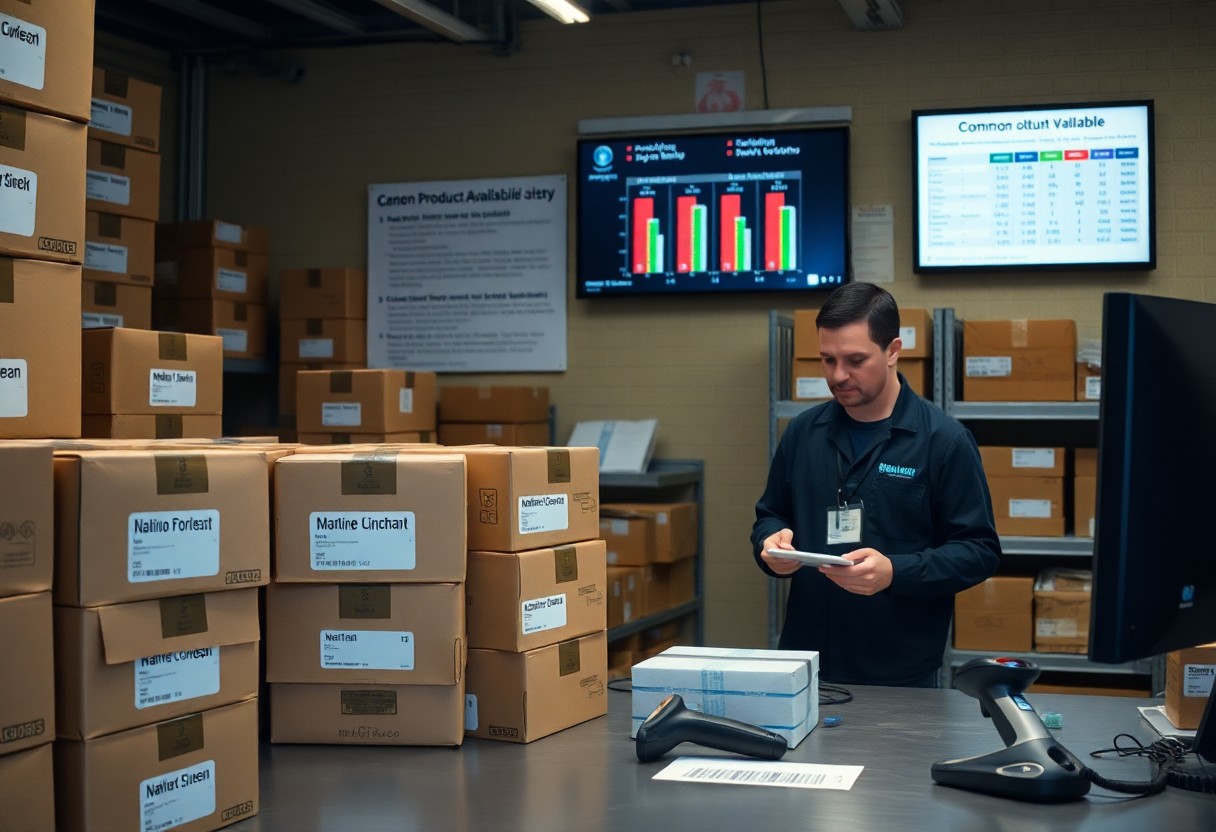
Product availability issues can significantly disrupt your operations on Spocket. When items display as “out of stock” or “not available,” it’s important to take immediate action. Keeping track of your suppliers’ inventory can help you maintain a smooth customer experience. Without clarity on stock levels, you risk disappointing your customers with canceled orders. Regularly checking stock status ensures you only promote products that are actively available.
How to Check Product Stock Directly
To verify product stock directly, navigate to the supplier’s page within Spocket. Here, you’ll find real-time information regarding inventory levels. If the product is listed as available, you can proceed with confidence; however, persistent issues may require direct communication with the supplier for updates. Always mark your frequently checked items, and inspect their availability routinely to avoid surprises.
Understanding Supplier Inventory Practices
Supplier inventory practices vary greatly and can impact your store’s product availability. Some suppliers update their inventory in real-time, while others may do this less frequently, leading to discrepancies. It’s beneficial to establish a relationship with your suppliers to understand their restocking schedules. Furthermore, some items may experience seasonal fluctuations or limited releases, so regular communication helps you stay ahead of potential stock issues.
For instance, if a supplier only restocks certain items once a month, this can create challenges during high-demand periods. By understanding their inventory cycles, you can time your promotions and manage customer expectations effectively. Regular checking and proactive dialogues can lead to better stock management and a more seamless business operation, thus enabling you to provide excellent customer service despite potential availability issues.

Tips for Smooth Order Processing
To ensure a seamless order processing experience on Spocket, focus on these key areas:
- Regularly check inventory to avoid selling out-of-stock items.
- Streamline communication with suppliers for faster response times.
- Utilize automated systems to manage orders efficiently.
- Keep track of order statuses to address delays promptly.
Recognizing these elements can help you maintain a fluid order flow. For additional assistance, refer to How to get help from Spocket.
Factors Affecting Order Fulfillment
Several factors can impede smooth order fulfillment on Spocket:
- Supplier availability can affect order speed.
- Shipping times may vary based on locations.
- Order processing times can delay deliveries.
- Payment processing issues might cause complications.
The awareness of these variables allows you to proactively manage your order processes.
Best Practices for Managing Orders
Adopting best practices for managing orders can greatly enhance your efficiency. Prioritize establishing strong communication channels with your suppliers to resolve issues promptly. Regularly monitor stock levels to prevent running out of popular items, and leverage technology to automate repetitive tasks. Additionally, maintain an organized order tracking system to ensure you stay updated on delivery statuses. Keeping customers informed about their orders can lead to higher satisfaction and retention rates.
Optimizing Your Spocket Experience
To get the most out of your Spocket experience, focus on streamlining processes and enhancing communication with suppliers. Ensure your inventory is regularly updated and maintain open channels of communication to preempt issues related to product availability. Utilizing Spocket’s features efficiently, such as automating order processing and implementing real-time updates, will aid in providing a better service to your customers, subsequently boosting sales and customer satisfaction.
How to Leverage Feedback
Collecting and analyzing feedback from your customers can significantly enhance your Spocket operations. By implementing surveys and encouraging reviews, you can identify pain points in your service or product selection, which allows you to quickly address issues and tailor your offerings to better meet customer demands.
Strategies for Continuous Improvement
To foster continuous improvement on Spocket, regularly revisit your store’s performance metrics. Utilize A/B testing for different product listings and promotional strategies to find what resonates. Stay informed on industry trends and adapt quickly by incorporating new products that align with customer preferences, enhancing overall user experience.
Implementing a structured framework for continuous improvement involves regular performance analysis and proactive adjustments based on data trends. For example, if you notice a particular product consistently underperforms, you might consider revising the product description or changing the pricing strategy. Additionally, integrate customer insights collected through feedback loops into your decision-making processes. This means not only reacting to negative feedback but also enhancing elements that drive positive customer experiences, turning insights into beneficial strategies that elevate your Spocket store’s efficiency and appeal.
Additional Troubleshooting Tips
In case you continue facing issues, consider these quick troubleshooting options:
- Check your internet connection to ensure stability.
- Refresh your browser or try a different one.
- Clear your cache and cookies regularly.
- Update your browser to the latest version.
- Contact your supplier directly for stock inquiries.
After following these steps, you should notice an improvement in your overall experience.
Common Technical Errors and Fixes
You might encounter technical errors such as being unable to chat with suppliers or products labeled as “out of stock”. For the chat issue, ensure your account is properly set up and consider refreshing the page. If products are unavailable, reach out directly to the supplier to confirm their stock status before proceeding with an order.
Resources for Further Assistance
If you need additional support, utilize the following resources: Spocket’s official help center, community forums, and customer service. You can gain insights from user experiences or ask specific questions to clarify any uncertainties.
Spocket’s help center offers a comprehensive FAQ section that addresses frequent problems and solutions, making it a valuable resource. Engaging with community forums allows you to connect with other users who may have encountered similar issues. Furthermore, contacting customer service is key for personalized assistance, ensuring that your specific concerns are addressed efficiently.
To wrap up
Hence, by addressing common issues you may face on Spocket, such as difficulties in chatting with suppliers or products appearing as “out of stock,” you can enhance your overall experience. When encountering “not available” products in your import list, contacting suppliers directly is advisable to confirm their availability. Tackling these problems head-on will streamline your operations and improve your sourcing efforts.
FAQ
Q: Why can’t I chat with my suppliers on Spocket?
A: If you are unable to chat with your suppliers, please verify your internet connection and ensure you are logged into your account. If the issue persists, try clearing your browser’s cache or using a different browser. If these steps do not resolve the problem, consider reaching out to Spocket support for assistance.
Q: Why do some products appear as “out of stock” in my import list?
A: Products might show as “out of stock” if the supplier has run out of inventory. It is advisable to contact the supplier directly to confirm the status and find out when the product will be restocked or if alternatives are available.
Q: What should I do if products I want to import are marked as “not available”?
A: If a product is marked as “not available,” this indicates it cannot be imported at that moment. To get more information, contact the supplier directly to inquire about the availability of the product or to discuss potential restocking timelines.
Q: Why is my order not processing in Spocket?
A: An order may not process if payment information is incorrect or if there are issues with the supplier’s inventory. Check your payment details for accuracy and ensure that the items you are ordering are still available. If the problem continues, reach out to Spocket support for more help.
Q: How can I fix loading issues on the Spocket platform?
A: If you are experiencing loading issues, first refresh the page. If the problem continues, clear your browser’s cache or try using a different browser. Ensuring your browser is updated can also help. If these solutions do not work, contact Spocket support for further assistance.