
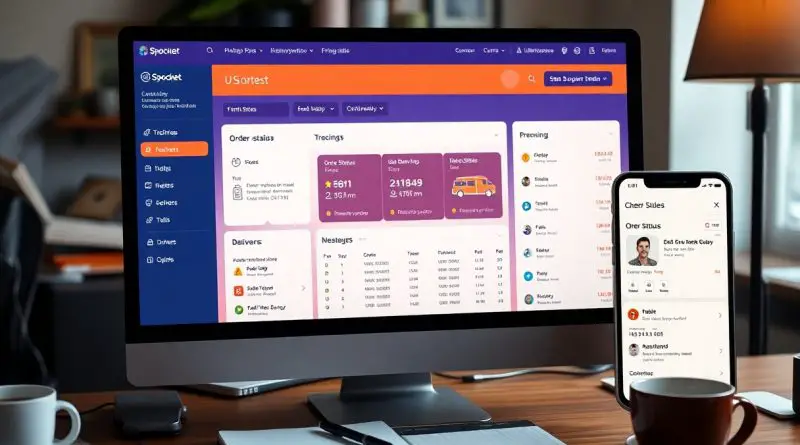
Understanding Order Status and Tracking on Spocket
Most users find navigating order statuses on Spocket confusing at first. Understanding what each status—Unpaid, Shipped, Cancelled, and Refund—means is necessary for effectively tracking your orders and managing customer interactions. By grasping these definitions, you’ll gain better control over your purchasing process, ensuring a smoother experience for both you and your customers.
Overview of Order Status
Order status is a vital component in your e-commerce journey on Spocket, informing you about the current stage of your customer’s purchase. You encounter several statuses, such as Unpaid, Shipped, Cancelled, and Refund, which help you manage customer interactions and ensure timely delivery of products. Understanding these terms allows you to streamline your operations and enhance customer satisfaction.
Importance of Tracking Orders
Tracking orders is imperative for maintaining transparency and trust with your customers. When you keep an eye on the order status, you can proactively address any issues that arise, provide timely updates to your customers, and ensure a smooth fulfillment process. This attention to detail fosters loyalty and can even lead to repeat business.
Common Order Status Definitions
Familiarizing yourself with common order status definitions is key to effective order management on Spocket. The status Unpaid indicates that payment hasn’t been completed, while Shipped signifies the order is on its way to the customer. A status of Cancelled means that the order has been terminated by either you or the customer, and Refund indicates a monetary return process initiated for a previous transaction.
Each of these statuses plays a significant role in maintaining the flow of your business. The Unpaid status alerts you to follow up with customers to complete their purchase, while Shipped allows you to monitor delivery timelines and communicate with customers about when they can expect their order. If an order is marked Cancelled, you’ll need to analyze the reasoning behind it for improvements, whereas a Refund status signifies the need to process a customer’s dissatisfaction, which could highlight issues in product quality or service.
Unpaid Orders
When your order status shows as unpaid, it indicates that payment has not yet been completed. This status can occur for various reasons, including payment processing issues or user oversight. You can find guidelines on resolving common payment problems by checking out Tracking Number Updates Explained – Fix Delays Fast.
What It Means
An unpaid order means the transaction has not been finalized, leaving the order pending. Your item will not ship until payment is processed successfully. If you initiated the payment but see this status, verify that your payment method is active and funds are available.
Next Steps for Customers
If you find your order is still marked as unpaid, start by checking your payment details. Ensure the transaction was completed, and confirm with your payment provider if necessary. You may need to retry the payment process on Spocket, as orders might remain unpaid due to technical errors. Keep an eye on your email for any notifications regarding payment issues.
It’s important to address unpaid orders promptly to avoid delays. If there are discrepancies with the payment, contacting Spocket’s support can help identify the issue and guide you through the next steps. Be proactive in resolving concerns to ensure your order is finalized and shipped out as quickly as possible.
Shipped Orders
Once your order is marked as ‘Shipped’, it indicates that it has left the supplier’s facility and is on its way to you or your customer. This status is vital for both you and your clients, letting you know that the product is no longer in the processing stage. It’s a significant step forward in the fulfillment timeline, where you can expect further updates regarding delivery.
Tracking Information
Tracking information becomes available shortly after your order is marked as ‘Shipped’. You’ll receive a tracking number that allows you to monitor the shipment’s journey. With this number, you can easily access the carrier’s website to see real-time updates on your order’s location and estimated arrival date, ensuring you stay informed throughout the shipping process.
Expectations for Delivery
Deliveries typically take a certain number of business days based on the shipping method selected. Generally, you can expect packages to arrive within 5 to 10 business days, depending on the destination and the shipping provider. However, it’s important to factor in possible delays due to weather conditions or high demand, particularly during peak shopping seasons, which can affect your delivery timeline.
When planning for delivery, keep in mind that every shipping method has its own timeframes. For example, standard shipping may take longer than express options. Communicating these expectations clearly to your customers can enhance their shopping experience and reduce inquiry rates regarding order statuses. You benefit by setting realistic expectations, which can lead to higher customer satisfaction and trust in your business.
Cancelled Orders
When an order is marked as ‘Cancelled’, it means that the transaction has been terminated before fulfillment. This can happen for various reasons, such as customer requests, payment issues, or inventory shortages. Understanding the cancellation process is important for managing your orders effectively.
Reasons for Cancellation
There are several reasons why an order might be cancelled. You may choose to cancel due to a change of mind, or it might be initiated by the supplier if the item is out of stock or there’s a problem with payment processing. These cancellations can help protect your interests and control your spending.
How to Reorder
If you find yourself with a cancelled order but still want the item, reordering is straightforward. Simply navigate to your previous order history, locate the cancelled order, and click the reorder option. This allows you to quickly restock your inventory or fulfill a customer’s request without starting from scratch.
When reordering, ensure that the item is still available and confirm the current price, as it may have changed since your initial purchase. Checking for updated shipping times is also a good idea to avoid further delays in delivery. By managing cancellations and reorders effectively, you can streamline your order process and maintain strong customer relationships.
Refund Status
Your order’s refund status indicates the progress of your money’s return. When you initiate a refund, Spocket moves through several stages before completing the process. Keeping track of this status can help you stay informed about when you can expect your funds back in your account.
Understanding the Refund Process
The refund process on Spocket begins once a return request is approved. You need to provide reasons for the return, and if valid, the process will commence. The funds will then be returned to the original payment method after verification, ensuring that both you and the supplier are protected in the transaction.
Timeframe for Refunds
Typically, refunds can take anywhere from a few business days to two weeks to process. Various factors, including the payment method and your bank’s policies, can affect the speed of this process. Understanding these factors can help you set realistic expectations.
For instance, if you paid via credit card, your bank may take an additional few days to reflect the refund in your account. In contrast, platforms like PayPal may expedite the process, allowing you to see the refunded amount almost immediately. Always check with your payment provider for specific timelines to avoid confusion.
Tips for Effective Order Tracking
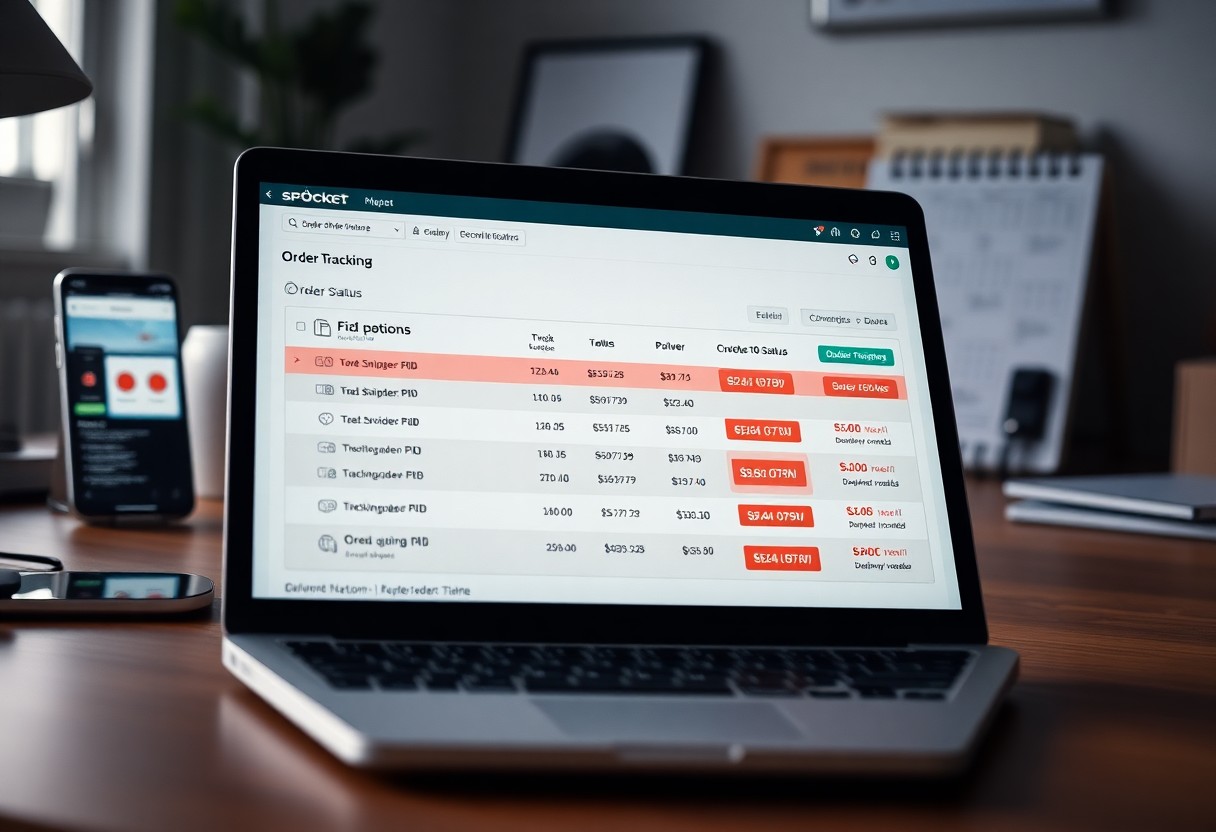
To enhance your order tracking experience, consider these tips:
- Regularly check your order status on the Spocket dashboard.
- Utilize the provided tracking links for real-time updates.
- Maintain open communication with your suppliers to address any issues promptly.
- Educate your customers about the tracking process to manage their expectations.
The ability to keep your customers informed positively impacts their satisfaction.
Spocket’s Shipping Time: Everything You Should Know
Utilizing Tracking Tools
Using tracking tools effectively can significantly streamline your order management. Leverage the tracking number provided during shipment to monitor the delivery process. Most carriers offer a tracking interface where you can input your number and view detailed status updates. By making this information readily available, you can respond to customer inquiries swiftly and with accuracy.
Staying Informed with Notifications
Enabling notifications for order updates can keep you ahead of potential issues. Notifications alert you about status changes, delays, or any necessary actions, allowing you to act quickly. It’s necessary to set up both email and app notifications to ensure you never miss an important update. This proactive approach can help you maintain customer trust and satisfaction.
Each time an order’s status changes, you’ll receive immediate reminders in your inbox or app. This real-time communication is beneficial for managing customer expectations and quickly addressing concerns. Such efficiency not only improves your operational flow but also builds customer loyalty, as they appreciate timely updates regarding their purchases.
Conclusion
To wrap up, understanding your order statuses on Spocket empowers you to track the progress of your purchases effectively. By knowing what “Unpaid,” “Shipped,” “Cancelled,” and “Refund” statuses signify, you can manage your customers’ expectations and streamline your interactions. This knowledge allows you to enhance your business operations and provide clear communication, ensuring your customers stay informed throughout the order process.
FAQ
Q: What does the “Unpaid” status mean for my order?
A: The “Unpaid” status indicates that the order has been placed but the payment has not been completed. This means that the order will not be processed until the payment is received. Users should check their payment method for any issues or confirm if the payment was successfully processed.
Q: What does it mean when my order is marked as “Shipped”?
A: When an order is marked as “Shipped,” it means that the package has been dispatched from the seller’s location and is on its way to the delivery address provided at the time of purchase. You can track the shipment using the tracking information provided once the order is shipped.
Q: How should I interpret a “Cancelled” order status?
A: The “Cancelled” status signifies that the order has been halted and will not be fulfilled. This can occur due to various reasons, such as a request from the buyer, stock unavailability, or payment issues. Customers can contact support for further details on the cancellation.
Q: What does it mean when my order status shows “Refund”?
A: A “Refund” status indicates that the payment for the order has been returned to the customer. This typically occurs when an order is cancelled or an issue arises with the order fulfillment. Customers should check their transaction history to see if the refund has been processed.
Q: How can I track the progress of my order effectively?
A: To track the progress of your order, you can log into your Spocket account and view the order status in your order history. Depending on the status, you may find tracking information if the order has been shipped or additional details regarding cancellations or refunds.