
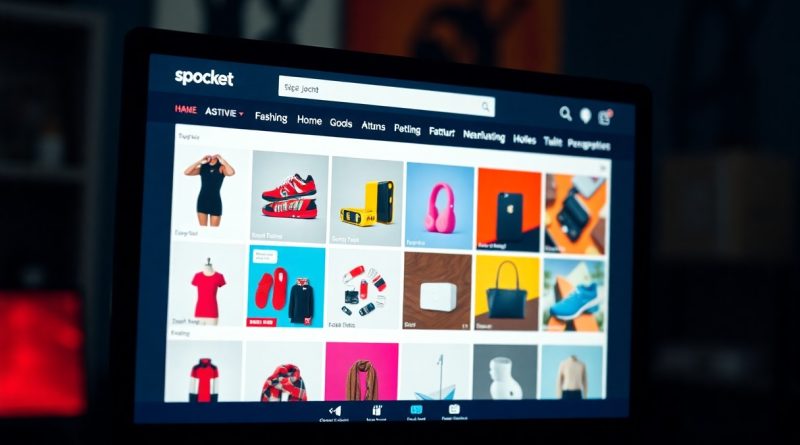
Searching for Products by Category on Spocket
Category browsing on Spocket offers you a straightforward way to discover products tailored to your interests without relying on keywords. By simply clearing the search bar, you unlock access to numerous categories like Jewelry & Watches, allowing you to explore thousands of niche products effortlessly. This method not only enhances your shopping experience but also enables you to efficiently build your import list, ensuring you find exactly what you need with ease.
Understanding the Category Browsing Feature
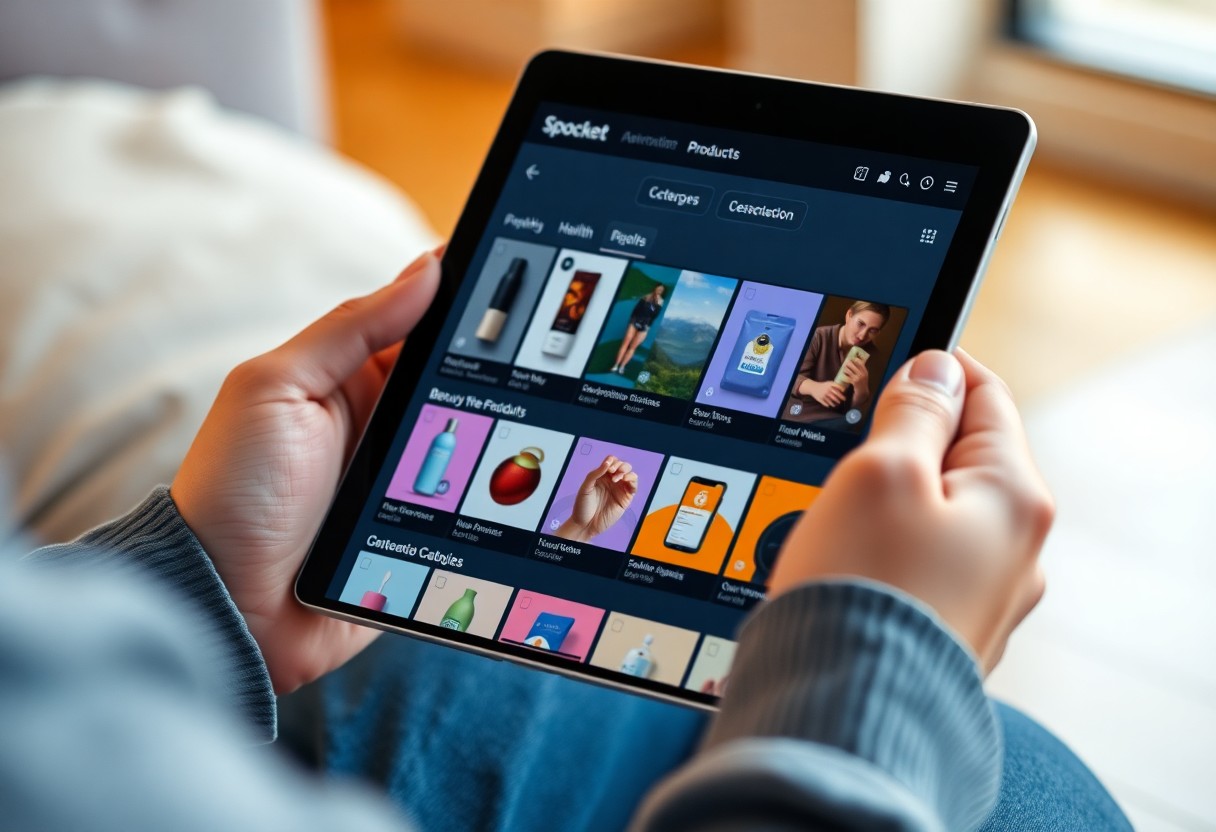
Utilizing the category browsing feature enhances your product discovery process by offering a structured approach to find items tailored to your niche. Instead of relying solely on keywords, clearing the search bar grants you access to a comprehensive list of categories, allowing you to navigate through thousands of products effortlessly. This method not only saves time but also expands your visibility into offerings you may have otherwise missed.
Overview of Categories
Spocket provides a variety of categories, such as Jewelry & Watches, Fashion, and Home Decor, each containing a vast selection of products. By selecting a category, you can explore countless items tailored to your intended market, giving you context-specific options and a structured shopping experience. This organized setup helps streamline your product sourcing journey.
Benefits of Browsing by Category
Browsing by category offers you targeted insights into trending products and unique finds that align with your business needs. This approach eliminates the guesswork often associated with keyword searches, enabling you to focus on products that fit your desired themes and styles, ultimately increasing your chances of attracting customers.
By leveraging the category browsing feature, you can quickly identify in-demand items and analyze market trends within specific niches. This tailored exploration often results in discovering hidden gems; for example, while browsing Jewelry & Watches, you might find a unique artisan brand that resonates with your audience. In this way, categories not only optimize your search but also enhance your overall sourcing strategy, making it easier to curate a diverse and appealing product lineup for your store.
Accessing Categories on Spocket
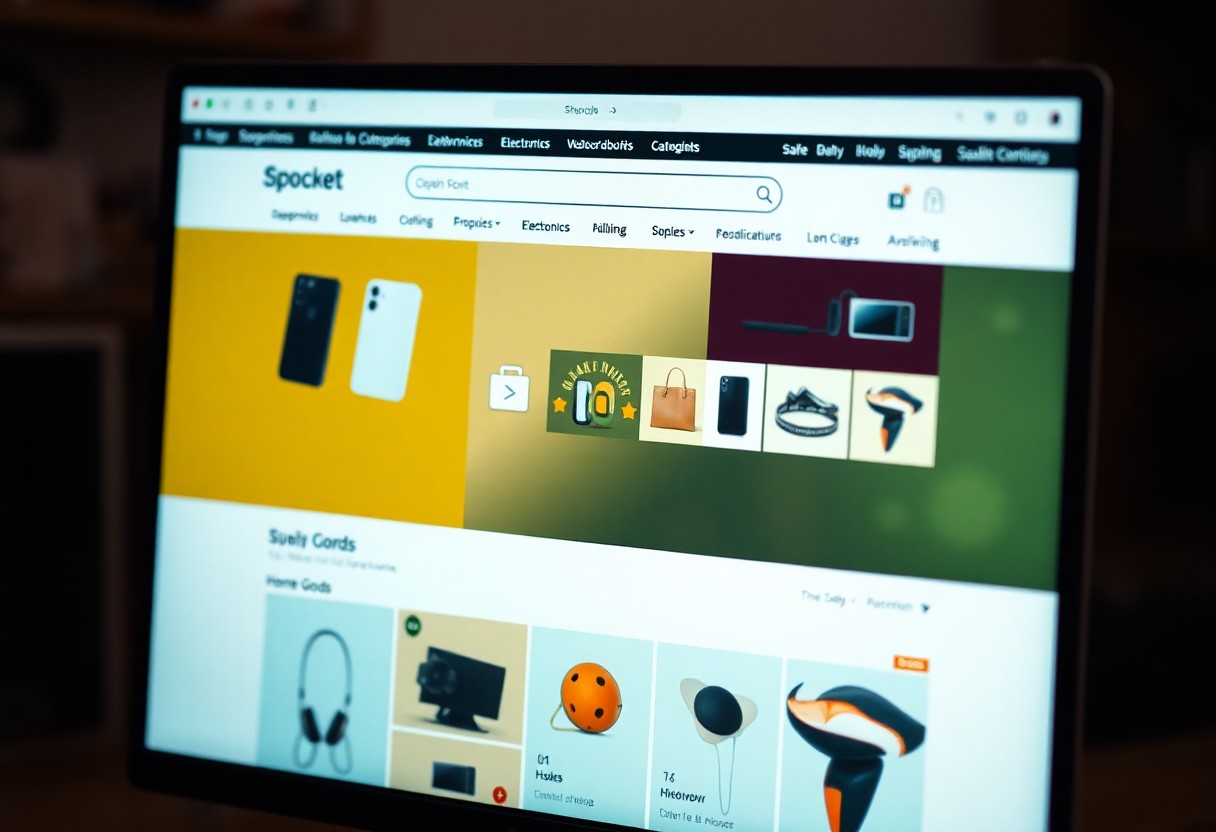
To access categories on Spocket, simply explore Spocket: Best Dropshipping Suppliers for US + EU Products. By clearing any existing search terms, you unlock a broad overview of available categories, including options like Home & Living and Fashion, making it easier to probe specific niches for your business.
Clearing the Search Bar
When you clear the search bar on Spocket, you reveal the full range of categories available. This action opens up thousands of products neatly organized by type, offering you a much broader selection than a keyword search alone. With this feature, you can seamlessly browse through various options that align with your store’s theme.
Navigating the Category Menu
Once you’ve cleared the search bar, navigating the category menu allows you to further refine your product options. You can quickly find specific categories like Jewelry & Watches or Health & Beauty, which are filled with tailored selections. Each category presents a collection of products, showcasing top-rated items, new arrivals, and trending goods, making it easier for you to choose what best fits your audience.
This structured approach to navigating the category menu not only enhances your browsing experience but also enables you to discover hidden gems that may not appear in generic searches. Each category is designed to cater to your niche market, allowing you to filter through selections based on your specific needs. You can effortlessly add items to your import list, ensuring a streamlined process in expanding your product range.
Exploring Product Options
By browsing categories on Spocket, you unlock a wealth of products tailored to specific interests or needs. Whether you’re drawn to home decor, fitness gear, or fashion accessories, this method allows you to view thousands of options without the constraints of keyword limitations. You’ll find that navigating through categories streamlines your search, helping you pinpoint exactly what you want with ease.
Discovering Niche Products
Diving into niche categories lets you uncover products that stand out in the marketplace. For instance, exploring the Pet Supplies or Eco-Friendly Products sections can reveal unique items that appeal to targeted customer bases, setting your store apart from competitors. This focused exploration ensures you maximize the appeal to specific audiences.
Adding Products to Your Import List
Once you find products you like, adding them to your import list is a simple and efficient process. With just a click, you can compile potential inventory that aligns with your store’s vision, allowing for streamlined management of your dropshipping selections.
To add products to your import list, simply click the “Add to Import List” button next to any item. You can build a diverse selection by browsing multiple categories simultaneously, organizing your choices before finalizing any imports. This list helps you manage your inventory decisions strategically, ensuring that you only move forward with the pieces that resonate most with your brand and audience. Plus, keeping track of favorites becomes effortless, making it easier to tweak your offerings as trends evolve.
Comparing Products within Categories
When you browse by category on Spocket, you’ll find an array of products grouped to simplify your comparisons. The ability to sort and filter helps streamline your decision-making process. Utilize options to view products side-by-side, focusing on attributes like price, shipping times, and supplier ratings. For more details on filtering, check How do I filter my product search on Spocket?
| Feature | Description |
| Sort by Price | Quickly identify the most affordable options in your desired category. |
| Supplier Ratings | Evaluate potential suppliers based on customer feedback to ensure quality. |
| Shipping Options | Compare shipping methods to find the best delivery times for your needs. |
Features and Pricing
Spocket’s features cater to accessibility and flexibility, with pricing models adjusted to suit different business scales. Explore tiered subscription plans offering various benefits, from discount rates to premium product access, allowing you to maximize your profit margins while minimizing costs.
Customer Reviews and Ratings
Customer reviews and ratings play a pivotal role in your product selection process. They provide insights into product quality, supplier reliability, and overall satisfaction, giving you a comprehensive view of what to expect before making a purchase.
By studying customer feedback, you can pinpoint the top-rated products within your chosen category, ensuring you select items that will resonate positively with your target audience. High ratings often correlate with superior quality, while recurring complaints can be red flags, guiding you away from underperforming suppliers. The collaborative insights shared by other users become invaluable in your quest for success.
Tips for Effective Category Searches
To make the most of your category searches on Spocket, consider a few strategies. First, ensure to clear the search bar completely to unveil comprehensive categories. Then, explore related categories to discover hidden gems. Additionally, use multiple categories to enhance your results. Lastly, set specific criteria to narrow your search effectively. Thou, these practices will lead you to the exact products you need.
Leveraging Filters and Sorting
Utilizing filters and sorting options can significantly enhance your product search experience on Spocket. By applying filters based on price range, supplier location, and shipping options, you can streamline your results. Moreover, sorting by top-rated or latest arrivals helps to surface the best products quickly. This targeted approach saves your time and ensures that you find precisely what you desire.
Saving Favorites for Future Reference
Saving your favorite products on Spocket is a smart way to reference them later. When you find items you like, simply add them to your favorites list for easy access. This feature is especially useful for long-term planning or comparing different products before making a decision. Keeping a curated selection allows you to optimize your store’s offerings efficiently.
By regularly saving favorites, you build a personalized collection that reflects your evolving business needs. This practice can also aid in developing trendy product assortments or seasonal offerings. You can revisit these items as you formulate your strategy or adjust your inventory based on demand fluctuations. Establish a rhythm of reviewing your favorites, fostering a dynamic product approach tailored to your audience.
Conclusion
Taking this into account, browsing by category on Spocket allows you to discover a wealth of products tailored to your interests without the limitations of keyword searches. By clearing the search bar, you can effortlessly navigate through various categories like Jewelry & Watches, uncovering thousands of products in your niche. This method enhances your ability to curate an import list with items that genuinely resonate with your store’s vision. To streamline your search for quality goods, Find Best Trending Dropshipping Products from US/EU … and elevate your dropshipping experience.
FAQ
Q: How can I search for products by category on Spocket?
A: To search for products by category on Spocket, simply clear the search bar. This action will display all available categories, allowing you to browse through specific niches.
Q: What happens when I clear the search bar?
A: Clearing the search bar will reveal all product categories, such as Jewelry & Watches, enabling you to explore a wide range of products without using keywords.
Q: Can I find new products within a specific category?
A: Yes, once you select a category, you can discover thousands of new products tailored to that niche, helping to enhance your inventory choices.
Q: How do I add products from a category to my import list?
A: After browsing a category and finding products you like, simply click the ‘Add to Import List’ button for each product to include them in your selection.
Q: Is browsing by category different from keyword searching?
A: Yes, browsing by category allows for a more visual and organized approach to product discovery, as opposed to keyword searching which may limit results based on specific terms.