
Top WooCommerce Tools for Improving Store Conversion Rates in 2026
Conversion rates are often shaped by a series of small decisions shoppers make as they move through a store. How easily they find products, how confident they feel about pricing, how smooth the checkout experience appears, and how clearly information is presented all play a role. Improving these touchpoints rarely comes from a single change. It usually comes from tightening several areas that influence intent and trust at different stages of the buying journey.
WooCommerce gives store owners a solid foundation, but conversion-focused improvements usually require more targeted tools. Some plugins help remove friction during browsing, others influence purchase motivation, while a few quietly improve performance and accessibility behind the scenes. This list brings together WooCommerce tools that support those goals in practical ways. Each plugin contributes to better shopping flow, clearer decision-making, or reduced drop-offs, making them valuable additions for stores aiming to convert more visitors into customers in 2026.
1. Smart Coupons for WooCommerce
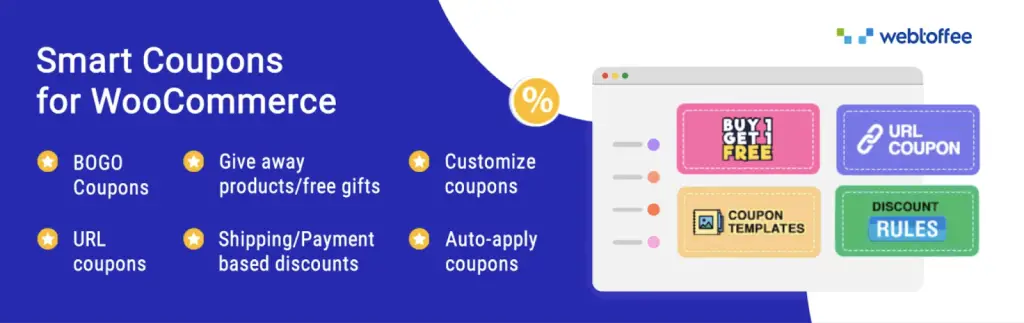
Smart Coupons for WooCommerce gives store owners more control over how discounts are created and applied across the buying journey. Instead of basic coupon rules, this advanced coupon plugin allows promotions to feel timely and relevant, helping shoppers see value at the right moment without confusion.
The plugin expands WooCommerce’s coupon logic to support real purchase scenarios. Coupons can apply automatically at checkout, removing the need for customers to remember or search for codes. You can create Buy One Get One offers with conditions based on cart value, product type, or user behavior, while also setting limits that prevent misuse. It also supports gift cards and store credits, allowing refunds, rewards, or promotions to stay within your store rather than leading shoppers elsewhere.
Visual coupon banners with timers can highlight urgency, while order history-based coupons reward repeat buyers. Together, these elements support a smoother promotional flow that encourages completion rather than hesitation during the final stages of purchase.
2. Rank Math SEO
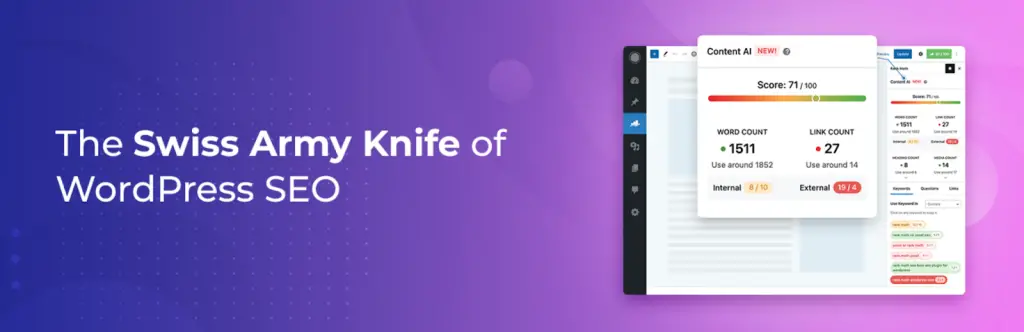
Rank Math SEO helps WooCommerce store owners improve how their products and pages appear in search results, making it easier for potential customers to find the store at the moment they are actively searching. By guiding content and optimization decisions, the plugin supports steady traffic growth.
The plugin works by providing contextual suggestions while you create or edit content. It analyzes keywords, page structure, and on-page elements, then offers clear recommendations that help pages align better with search intent. Schema-enabled questions and structured data help search engines understand page content more accurately, which can improve visibility and click-through rates from search listings. Smart internal link suggestions also make it easier to connect related pages, improving navigation for both users and search engines.
From a conversion perspective, Rank Math SEO plays a supporting role by bringing more qualified visitors to your store. When visitors land on pages that closely match their intent, they are more likely to engage, explore products, and move closer to a purchase rather than leaving after a single page view.
3. WooCommerce Product Feed
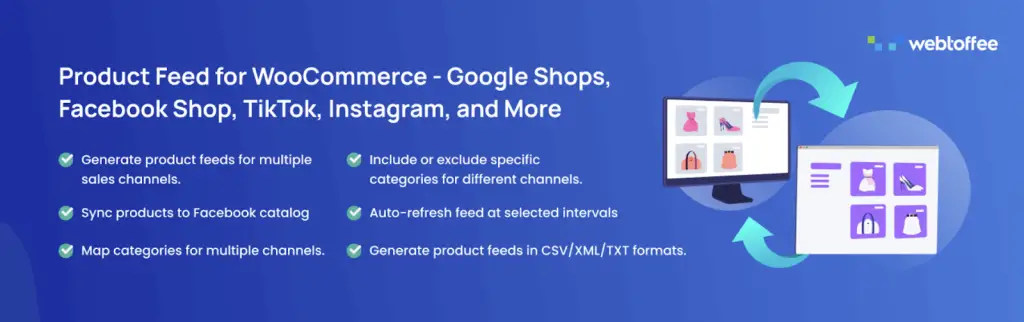
WooCommerce Product Feed helps stores present their products on platforms where buyers already spend time browsing and comparing options. The plugin creates a structured way to connect your WooCommerce catalog with external marketplaces and social commerce platforms.
The plugin generates optimized product feeds that sync with sales channels such as Google Shopping, Facebook, Instagram, and more. It allows store owners to control which products appear by applying conditions, category mappings, and inclusion rules, ensuring feeds stay relevant and accurate. Product details and categories can be aligned with channel-specific requirements, reducing errors and improving visibility. For larger catalogs, server-based scheduling helps keep feeds updated consistently.
Accurate and well-structured product feeds help attract shoppers who already show purchase intent. When products are displayed correctly across external platforms and lead visitors back to clear product pages, shoppers are more likely to complete purchases.
4. Speed Optimizer

Speed Optimizer focuses on improving site performance without requiring technical effort from the store owner. It simplifies advanced speed improvements into manageable settings, allowing WooCommerce stores to load faster.
The plugin improves performance by handling several optimization layers together. It applies caching to reduce repeated server requests, while also cleaning up front-end code. It also fine-tunes the WordPress environment by optimizing how resources are used, helping the store remain responsive even as traffic increases. Moreover, built-in speed tests and actionable suggestions give store owners a clear view of where improvements can still be made.
From a conversion standpoint, faster load times directly influence how long visitors stay and how quickly they move through product pages and checkout. By reducing delays and improving responsiveness, Speed Optimizer helps minimize drop-offs caused by slow page loads, creating a smoother browsing experience.
5. Product Import Export for WooCommerce
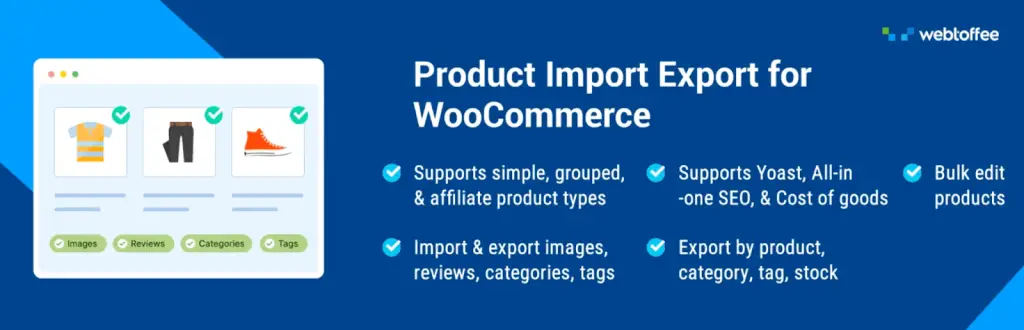
Product Import Export for WooCommerce helps store owners manage large product catalogs without slowing down daily operations. Instead of editing products one by one, the plugin allows changes to be handled in bulk, making it easier to keep pricing, availability, and product details accurate as the store grows.
The plugin supports importing and exporting all WooCommerce product types along with categories, attributes, and images using common file formats such as CSV, XML, Excel, and TSV. Advanced filtering options make it possible to export only specific products or data fields, while bulk updates allow pricing, stock status, and product information to be adjusted efficiently. Scheduled imports and exports through FTP add flexibility for stores that regularly sync data from external systems or suppliers.
Accurate pricing, timely stock updates, and consistent product information help reduce buyer hesitation and abandoned sessions. By keeping listings current without operational delays, the Product Import Export plugin supports smoother purchasing decisions and a more reliable shopping experience for customers.
6. Customer Reviews for WooCommerce

Customer Reviews for WooCommerce helps stores build trust by encouraging genuine feedback from buyers after a purchase. The plugin makes the review process more approachable and timely, increasing the likelihood of meaningful responses.
The plugin automates review reminders through email and also supports manual reminders via WhatsApp, making it easier to reach customers on channels they already use. Review forms are designed to reduce friction, allowing customers to submit feedback directly on the site or through aggregated forms. Reviews can include ratings, images, and helpful voting options, while filtering tools make it easier for shoppers to explore relevant feedback.
Visible and detailed reviews help shoppers feel more confident about their choices. By answering questions and showcasing real experiences, the Customer Reviews plugin reduces uncertainty and supports purchase decisions across key product pages.
7. Ajax Search Lite

Ajax Search Lite improves how visitors find products and content within a WooCommerce store. The standard search behavior often returns limited or slow results. But this plugin offers a more responsive search experience that helps users reach relevant pages easily.
The plugin displays results instantly as users type, pulling information from product titles, descriptions, categories, tags, and custom fields. It supports WooCommerce products alongside other post types, making it useful for stores with blogs, events, or resource sections. Filters allow shoppers to narrow results by category or content type, while keyword suggestions and autocomplete guide searches in a clearer direction, reducing frustration caused by empty or unrelated results.
Faster and more accurate search results help visitors move directly to products they are interested in. When shoppers can locate items without repeated searches or page reloads, they are more likely to stay engaged and continue browsing.
8. WooCommerce Gift Cards
WooCommerce Gift Cards allows stores to sell both digital and physical gift cards that customers can use themselves or share with others. Flexible gifting options simplify buying decisions, especially when shoppers want a quick and reliable way to complete a purchase.
The plugin supports creating multiple gift card products with customizable values and messaging. Digital gift cards can be delivered by email with personalized notes, while scheduled delivery makes them suitable for planned gifting. Store credit functionality allows balances to be reused across purchases, and refunds can be issued directly as store credit, keeping value within the store ecosystem rather than sending customers away.
Gift cards and store credits often lead to repeat visits and additional spending beyond the original value. Customers returning to redeem balances are already motivated to purchase, which reduces friction during checkout. By encouraging store credit usage, Gift Cards for WooCommerce helps drive ongoing engagement and increases the likelihood of completed transactions over time.
9. Imagify
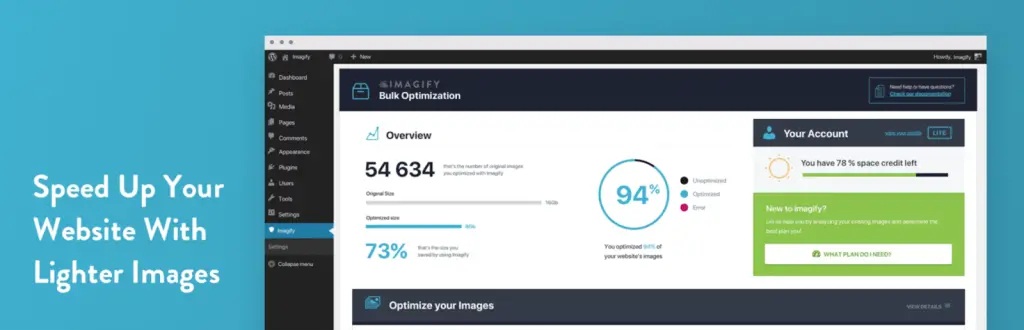
Imagify helps WooCommerce stores manage image-heavy pages without sacrificing visual quality. Product images often account for a large portion of page weight, and this plugin focuses on reducing that load while keeping images consistent across the site.
The plugin allows images to be resized and compressed automatically as they are uploaded. Its smart compression approach balances file size reduction with image clarity, making product photos load faster without appearing degraded. Imagify also supports modern image formats such as WebP and AVIF, enabling browsers to display lighter versions of images where supported.
Lighter images contribute to faster page rendering and smoother browsing, especially on mobile devices. When product pages load quickly and feel responsive, visitors are more likely to continue scrolling, view additional products, and complete actions without interruption.
10. Accessibility Tool Kit

Accessibility Tool Kit helps WooCommerce stores create a more inclusive shopping experience by addressing common accessibility barriers across the site. It focuses on making content usable for a wider range of visitors, including those who rely on assistive technologies or alternative navigation methods.
The plugin scans pages, themes, and third-party elements to identify accessibility issues and provides suggestions to correct them directly on the front end. An accessibility toolbar allows users to adjust visual and interaction settings based on their needs, improving readability and navigation. It also supports proper screen reader interpretation, maintains logical keyboard navigation, and includes skip to content options so users can reach key sections without unnecessary steps.
Clear navigation and readable content reduce frustration during browsing and checkout. When more visitors can interact with the store comfortably and complete tasks without obstacles, negative experiences decrease, and engagement improves.
11. WooCommerce Product Recommendations
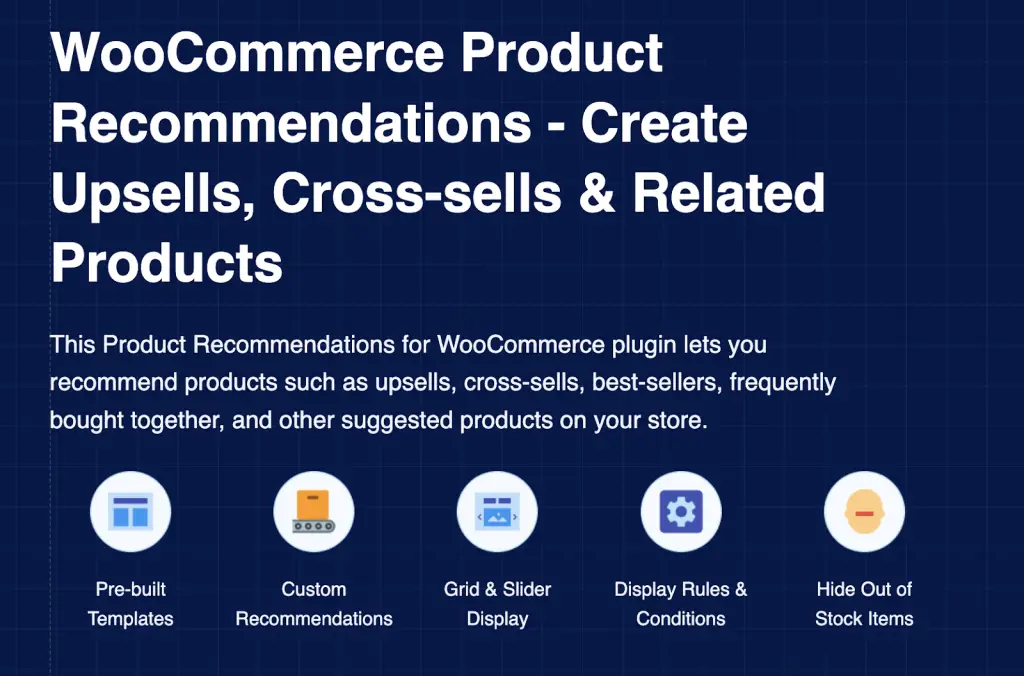
WooCommerce Product Recommendations helps stores guide shoppers toward relevant products while they browse, making it easier for them to discover items that complement their interests or previous searches. Thoughtful recommendations can shape buying decisions without interrupting the shopping flow.
The plugin automatically suggests products based on different criteria such as purchase patterns, popularity, ratings, or recent activity. Store owners can decide where recommendations appear and at what point in the customer journey they are shown, whether on product pages, cart pages, or after an item is added.
Relevant related suggestions often encourage shoppers to explore more products than they initially planned. When recommendations feel timely and well-placed, customers are more likely to add additional items to their cart or reconsider alternatives.
12. Fluid Checkout for WooCommerce
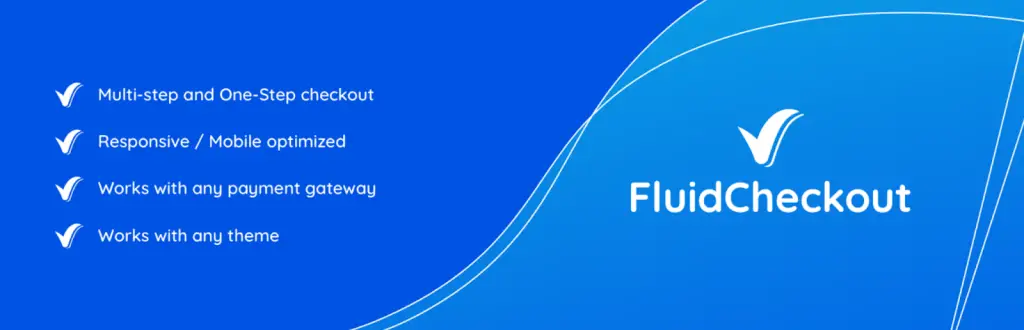
Fluid Checkout for WooCommerce focuses on reducing friction during the final stage of the buying process. It reshapes the default WooCommerce checkout into a clearer and more structured flow that feels easier to follow for both new and returning customers.
The plugin introduces a linear checkout layout that can be presented in a single step or broken into multiple steps, depending on store preference. Shipping details are collected first, followed by billing, which aligns better with how customers naturally expect to move through checkout. Optional fields can be hidden behind simple actions, keeping the page uncluttered and focused. Real-time field validation helps prevent errors before submission, while customer information is saved automatically, even if the page refreshes. Returning users can log in directly within checkout, and completed steps are remembered so shoppers do not have to repeat actions.
A checkout experience that feels focused and predictable helps customers complete purchases with fewer interruptions. Clear structure, visible trust elements, and reduced distractions keep attention on completing the order. Fluid Checkout supports this by minimizing unnecessary steps and making the final interaction with the store feel smooth and reassuring.
13. WooCommerce Request a Quote
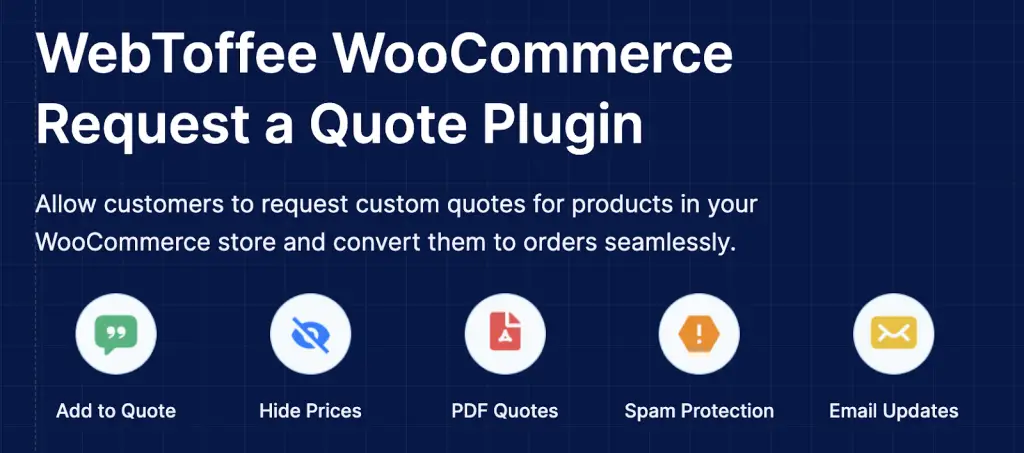
WooCommerce Request a Quote gives store owners a way to handle price-sensitive or custom purchase scenarios that do not always fit standard checkout flows. It is especially useful for bulk orders, negotiated pricing, or products where final costs depend on specific requirements.
The plugin allows prices to be hidden and replaces the Add to Cart button with an option to request a quote. Customers can submit their requirements and suggest preferred pricing, creating a direct line of communication before any commitment is made. Store owners can review requests, respond with personalized offers, and send detailed quote PDF documents by email. Once a quote is approved, it can be converted into an order, keeping the process organized and efficient on both sides.
By opening a dialogue rather than forcing an immediate purchase decision, this approach helps keep interested buyers engaged. Customers who might hesitate due to pricing uncertainty are more likely to move forward when given flexibility and clarity.
14. WooCommerce PDF Invoices, Packing Slips and Credit Notes
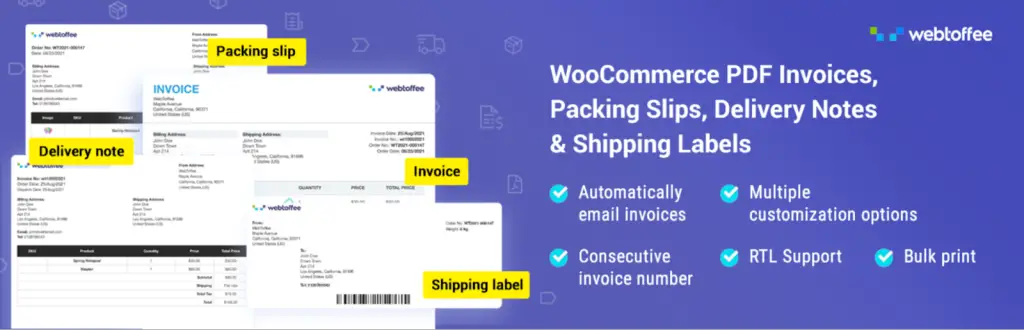
WooCommerce PDF Invoices & Packing Slips plugin is a comprehensive solution designed to automate and streamline order documentation for WooCommerce stores. It enables store owners to automatically generate professional PDF invoices, packing slips, delivery notes, and shipping labels directly from the WooCommerce order page.
The woocommerce pdf invoices free version offers all the essential features required for basic invoicing needs. With the free version, users can automatically generate PDF invoices and attach them to order emails, create packing slips and shipping labels, and customize templates with store details like logo, address, and tax information. It also supports bulk printing, invoice downloads from the admin panel, and allows customers to access invoices from their account page. Additionally, the free plugin simplifies order processing by automating document creation and supports formats like UBL/XML for structured invoicing, making it suitable for small to medium stores.
15. OptinMonster
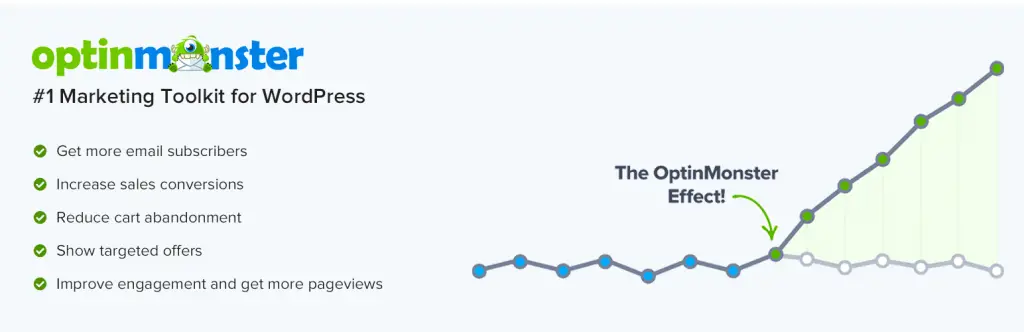
OptinMonster helps WooCommerce stores convert visitors into leads and customers by using targeted popups and on-site campaigns. It focuses on capturing attention at key moments during the browsing journey.
The plugin allows store owners to create exit-intent popups, floating bars, slide-ins, and personalized offers based on user behavior. Advanced targeting options ensure that campaigns are shown to the right users at the right time, increasing relevance without disrupting the experience. It also integrates with email marketing platforms for seamless lead capture.
16. Sequential Order Numbers for WooCommerce
WooCommerce Sequential Order Numbers Plugin is designed to bring structure and consistency to WooCommerce order management by converting default order IDs into clean, sequential numbers. Since WooCommerce uses WordPress’s global ID system, order numbers often appear non-sequential or skip values. This plugin resolves that by generating consecutive order numbers in a custom format, allowing store owners to organize both existing and new orders efficiently. It supports flexible formatting options such as prefixes, date components, and custom numbering structures, making order tracking, reporting, and customer communication much more streamlined.
The free version of the plugin includes all the essential features needed for structured order numbering. Users can generate sequential order numbers, set a custom starting number, and add prefixes or date-based formats to their order IDs. It also allows customization of order number length, previewing formats before applying them, and maintaining or updating existing order numbers.
Conclusion
Improving conversion rates in WooCommerce is the result of refining multiple touchpoints that shape how visitors browse, evaluate, and complete purchases. From product discovery and search to checkout flow, performance, trust signals, and post-purchase engagement, each improvement plays a role in reducing hesitation and guiding users forward.
The tools covered in this list address those areas in different ways. Some focus on making decisions easier, others reduce friction during checkout, and a few quietly improve the overall experience behind the scenes.
When used thoughtfully, these plugins help stores respond better to user behavior, create clearer paths to purchase, and support consistent buying experiences. For WooCommerce stores looking to improve results in 2026, these tools offer practical ways to turn more visits into completed orders.
Thanks for reading!