

Managing Your Orders on Spocket
You can effectively manage your customer purchases through Spocket’s Order section, where you’ll find all your orders clearly displayed. Understanding how to view order details allows you to check the status of each order and ensure they are processed efficiently. Staying on top of your orders will enhance customer satisfaction and streamline your operations. For detailed guidance, refer to How do I process and fulfill orders on Spocket?
How to Access Your Orders
To access your orders on Spocket, navigate to the dashboard and click on the “Orders” tab located on the left side menu. This section displays a comprehensive list of all customer purchases, allowing you to manage and monitor orders directly from your Spocket account. Each entry includes vital details such as order number, product information, and customer data, making it simple for you to keep track of your sales.
Navigating the Orders Section
The Orders section is user-friendly, featuring a straightforward layout where you can easily view your current and past orders. You can filter orders by status, date, or customer to locate specific transactions quickly. Icons help to illustrate the status of each order, ensuring you have a clear understanding of your fulfillment process at a glance.
Understanding Order Status
Each order in Spocket is assigned a status that reflects its current stage, such as “Pending,” “Processing,” or “Shipped.” Familiarizing yourself with these statuses allows you to manage your workflow efficiently, ensuring that you’re meeting customer expectations and maintaining a solid reputation.
The status of an order provides vital insights into your operations. For instance, an order marked as “Pending” indicates that payment is yet to be confirmed, while “Processing” shows that the order is being fulfilled. Understanding these classifications can help you prioritize actions—such as initiating communication with suppliers for “Processing” orders or reaching out to customers regarding “Pending” transactions—enhancing your overall customer service experience. Regularly checking these statuses promotes timely deliveries and boosts customer satisfaction, ultimately impacting your business’s success.
How to View Order Details
To view order details in Spocket, select any order from the “Orders” tab. This will provide you with necessary information, including order status, shipping details, and payment confirmation. You can easily track your orders and manage the fulfillment process all in one place, ensuring that you stay organized and responsive to customer needs.
Reviewing Customer Information
When you review customer information, you gain insights into the buyer’s name, contact details, and shipping address. This data enables you to ensure that orders are processed accurately and shipped to the correct location. Additionally, you can communicate directly with customers if any issues arise, enhancing the overall shopping experience.
Analyzing Order Items
Analyzing order items involves checking the individual products purchased, their quantities, and ensuring that all items are in stock for fulfillment. You can also evaluate which products are popular and identify trends by reviewing the sales data associated with your orders.
To dive deeper, each order provides a breakdown of items, including SKUs and pricing. This gives you the opportunity to track inventory effectively and adjust your supply chain as necessary. For example, if you notice a particular product sells quickly, you can prioritize reordering those items to maintain stock levels. With Spocket, you can efficiently manage your inventory and make data-driven decisions to boost sales and customer satisfaction.
Tips for Efficient Order Processing
To streamline your order processing on Spocket, implement the following strategies:
- Organize orders by date or status.
- Use templates for customer communications.
- Regularly review order statuses.
- Automate notifications for shipment updates.
Any of these tips will help you manage your orders effectively and enhance the overall customer experience.
Prioritizing Orders
Focus on fulfilling the highest-value orders first to maximize profitability. Orders that are time-sensitive should also be addressed promptly to maintain customer satisfaction. This approach ensures you are catering to customers who may require faster delivery, thus potentially increasing loyalty and repeat business.
Communicating with Customers
Establishing a direct line of communication with your customers can significantly enhance their purchasing experience. Use Spocket’s built-in messaging features or email notifications to keep them updated on order status, shipping details, and any potential issues. This transparency not only builds trust but can also mitigate negative feedback.
An effective communication strategy involves setting expectations for delivery times and providing tracking information as soon as an order is dispatched. You can also send personalized follow-up messages after delivery, which can foster repeat business. Highlighting any potential delays proactively allows you to manage customer feelings towards their purchases, ultimately leading to better reviews and retention.

Factors to Consider When Managing Orders
Efficiently managing your orders requires attention to several key factors. These include shipping times, inventory management, and understanding customer expectations. By focusing on these areas, you can enhance your order processing and customer satisfaction. Perceiving the nuances of each factor allows for a more seamless operation.
Shipping Times
Your customer’s experience heavily relies on shipping times. Ensure you provide accurate estimates during checkout to set proper expectations. Delays can lead to dissatisfaction, so frequent updates on the order status can help maintain customer trust and transparency.
Inventory Management
Effective inventory management is vital for fulfilling orders promptly. Keep track of stock levels, and utilize Spocket’s automated tools to maintain an updated inventory list. This helps prevent overselling and enables you to respond quickly to customer inquiries regarding product availability.
When managing your inventory, consider implementing real-time tracking systems that alert you when stock levels drop below a predetermined threshold. Analyzing sales patterns can also guide your purchasing decisions, ensuring you maintain adequate stock during peak seasons. Using these strategies minimizes the risk of stockouts and enhances overall order fulfillment efficiency.
How to Process Orders on Spocket
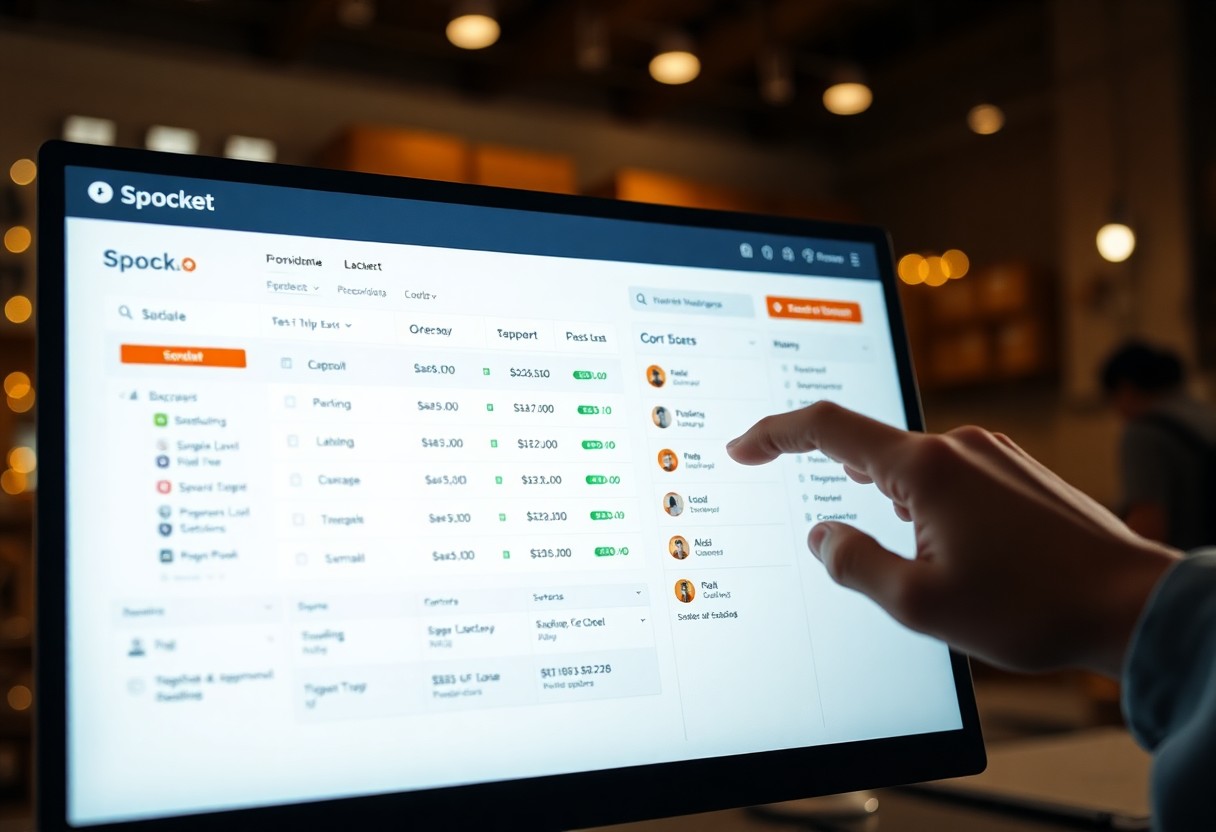
Processing orders on Spocket is straightforward, allowing you to manage your customer purchases seamlessly. Begin by navigating to your Order section, where you can easily view all pending, fulfilled, and canceled orders. Click on any specific order to access detailed information, including shipping addresses, item descriptions, and payment statuses. This organized overview aids in efficient order management, ensuring you stay on top of customer fulfillment.
Marking Orders as Fulfilled
Once an order is shipped, you should promptly mark it as fulfilled. To do this, find the order in your Order section, then select the ‘Mark as Fulfilled’ option. This action updates the customer on their order status, providing them with tracking information and enhancing their shopping experience. Keeping your fulfillment status current is key to maintaining customer trust.
Handling Cancellations and Returns
Addressing cancellations and returns effectively is vital in maintaining customer satisfaction. When a customer requests a cancellation or return, you can initiate the process in the Order section by selecting the appropriate order and following the prompts to process the request promptly. Quick resolution enhances customer loyalty and mitigates potential negative feedback.
Handling cancellations and returns requires clear communication and a defined process. For any order marked for cancellation, review the request’s timing; if it’s timely, ensure you confirm with the customer and update your inventory accordingly. For returns, outline the necessary steps for customers to follow, such as returning shipping labels and conditions for item returns. This prevents confusion and fosters a smoother transaction experience, boosting your reputation as a proactive seller.
Troubleshooting Common Order Issues
When managing orders on Spocket, issues can sometimes arise. Understanding common problems—like payment issues or shipping delays—allows you to swiftly resolve them and maintain customer satisfaction. Quickly addressing these concerns can prevent potential loss of sales and strengthen your reputation as a reliable seller.
Addressing Payment Problems
If you encounter payment issues, ensure that your customers have entered their payment details correctly and that their card is not expired. In cases of payment declines, encourage them to check their bank for any restrictions. You can also verify your own payment settings in Spocket to ensure everything is configured accurately.
Resolving Shipping Delays
Shipping delays can frustrate both you and your customers. Start by assessing the order status in your Spocket dashboard; ensure suppliers have processed the shipment. If the shipping confirmation lacks tracking details or is delayed beyond typical timeframes, contact your supplier for updates. This proactive approach demonstrates your commitment to customer service.
To further mitigate the impact of shipping delays, it’s important to communicate proactively with your customers. Provide regular updates regarding the status of their orders and set realistic expectations based on the supplier’s shipping times. Implementing a customer-friendly policy, such as timely notifications for delays, can greatly enhance satisfaction levels, turning a potentially negative experience into an example of excellent service. You might also consider offering compensation or discounts on future purchases to foster goodwill and encourage repeat business.
Conclusion
Taking this into account, effectively managing your orders on Spocket is important for maintaining smooth operations and ensuring customer satisfaction. You can easily view order details, check the status of each transaction, and process them efficiently on the platform. By familiarizing yourself with these functions, you can enhance your overall order management skills. For further insights, explore Managing Order History: Enhance Customer … to optimize your approach.
FAQ
Q: How can I view my orders on Spocket?
A: To view your orders on Spocket, navigate to the “Orders” section from the main dashboard. Here, you’ll see a list of all customer purchases, including their details such as order ID, customer information, and order total.
Q: What information can I find in the order details?
A: In the order details, you can find the order ID, customer name, delivery address, items purchased, quantities, payment status, and shipping status. This information helps you manage and fulfill orders efficiently.
Q: How can I check the status of an order?
A: To check the status of an order, go to the “Orders” section and locate the specific order. The status will be displayed next to the order, indicating whether it’s pending, processing, or completed. You can click on the order to view more detailed information.
Q: What steps do I need to take to process an order?
A: To process an order, select the order from the “Orders” section, review the order details, and confirm that all items are in stock. After that, initiate the fulfillment process by clicking the appropriate button to mark it as shipped and providing tracking information if available.
Q: Can I cancel an order after it has been placed?
A: Yes, you can cancel an order if it hasn’t been fulfilled yet. Go to the “Orders” section, find the order you wish to cancel, and click the cancel button. Ensure to notify the customer about the cancellation as well.