
Getting Started with Your Spocket Account and Interface
You can easily navigate your Spocket account and interface to enhance your dropshipping experience. Your personal notification bar keeps you updated on order statuses and new products, while the universal search bar allows you to find products or categories quickly. Utilize the filter function to sort items by shipping origin and destination, ensuring efficient order fulfillment. Additionally, the platform showcases the most popular products, making it simple for you to discover trending items. Start exploring today with Spocket: Best Dropshipping Suppliers for US + EU Products.
Creating Your Spocket Account
Establishing your Spocket account is a straightforward process that opens the door to a wealth of products and suppliers for your business. You’ll need to register using your email address or sign up via a social media account for quicker access to Spocket’s diverse marketplace.
Signing Up
To sign up for Spocket, visit the website and click on the “Get Started” button. You’ll be prompted to enter your email and create a password, or you can connect using your Google or Shopify account. This quick sign-up process gives you immediate access to explore various products and suppliers.
Setting Up Your Profile
Once signed up, you can enhance your experience by setting up your profile. This step ensures the platform caters to your preferences and business needs. Provide necessary details like your business name and type to effectively navigate through Spocket’s offerings.
Setting up your profile also allows Spocket to tailor recommendations based on your preferences and interests. Providing details like your brand’s identity and target market can help in receiving relevant suggestions. This personalization feature enhances your browsing experience, connecting you with suppliers that align with your business goals. Regularly updating your profile can maximize the potential for discovering trending and popular products tailored to your customer base.

Navigating the User Interface
Once you access your Spocket account, navigating the user interface becomes imperative for optimizing your experience. Familiarizing yourself with the layout will help you efficiently manage your products and suppliers. The interface is designed for ease of use, allowing you to explore various features seamlessly.
Understanding the Dashboard
Your dashboard is the central hub of your Spocket account, providing quick access to vital information. Here, you can view your recent orders, track inventory levels, and gain insights into your sales performance. A well-organized dashboard enables you to focus on what matters most for your business.
Personal Notification Bar Overview
The personal notification bar is located at the top of the interface, alerting you to important updates. It informs you about order statuses, supplier communications, and platform announcements, facilitating timely decision-making in your business operations.
Within the personal notification bar, you’ll notice visual indicators for new messages, order updates, and alerts about trending products. Each notification is designed to help you stay informed and proactive, ensuring you never miss an opportunity or important change that could affect your sales. Utilize this feature to enhance your responsiveness and maintain a competitive edge in your ecommerce venture.

Utilizing the Universal Search Bar
The Universal Search Bar in your Spocket interface is a powerful tool that simplifies product discovery. By typing in keywords or phrases related to what you’re looking for, you’ll quickly access a variety of products tailored to your needs. You can learn more about using this feature effectively by visiting Spocket Dropshipping Software: Reviews, Pricing, & How- ….
Searching for Products
When you search for products, enter descriptive terms in the Universal Search Bar. You’ll receive instant suggestions and results that match your queries, enabling you to pinpoint exactly what you need for your store. This feature streamlines the product selection process, making it easier to curate your inventory.
Exploring Categories
The Categories section allows you to browse products by specific topics that interest you. This exploration is facilitated through easy navigation options, which categorize items like fashion, electronics, or home goods. Utilize this feature to find trending items and discover unique finds suited to your niche.
Exploring categories not only enhances your shopping experience but also broadens your understanding of what’s available within each segment. For example, within the fashion category, you might uncover everything from apparel to accessories. Filtering through these groups can highlight seasonal trends and popular items, empowering you to make informed purchasing decisions that align with your target audience’s preferences.
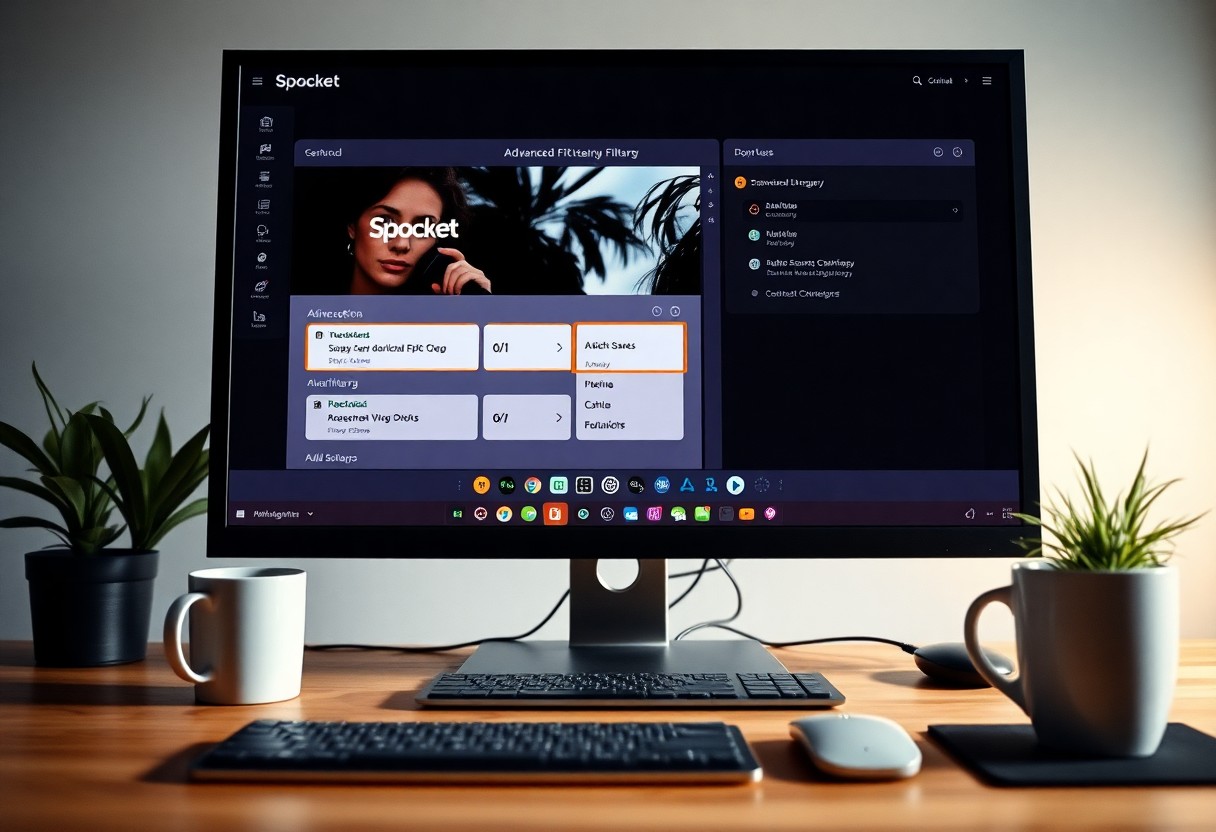
Advanced Filtering Options
You can refine your product search in Spocket using advanced filtering options, allowing for a tailored experience that meets your specific needs. This feature enhances your ability to find the perfect products efficiently by focusing on unique criteria such as shipping origin and destination. Below are key aspects you’ll want to consider:
- Utilize filters to expedite product searches
- Sort based on supplier locations
- Enhance shipping preferences
- Access exclusive deals from local suppliers
| Filter Type | Description |
|---|---|
| Shipping Origin | Refine products based on where they ship from. |
| Shipping Destination | Filter products depending on your target market’s location. |
Sorting by Shipping Origin
Sorting by shipping origin allows you to find products from specific regions easily. This is particularly useful if you want to source items closer to your operations or cater to customers seeking local products. By selecting the shipping origin filter, you streamline your search to display only those suppliers whose shipping locations align with your preferences.
Filtering by Shipping Destination
Filtering by shipping destination helps you target products that can be shipped directly to your desired market. This feature ensures that you only see items available for delivery to your area, which can significantly enhance customer satisfaction. By narrowing down results based on the destination, you can save time and reduce shipping issues.
This filter is vital for businesses aiming to provide quick delivery options. You can increase your sales potential by ensuring that the items you showcase on your store are readily available for your customers’ locations. Additionally, this function helps mitigate shipping costs and timeframes, allowing you to offer competitive pricing and reliable service, thus boosting customer loyalty.
Browsing Popular Products
Exploring the most popular products on Spocket allows you to quickly identify items that resonate with customers. A curated selection showcases high-quality options that have garnered attention in the marketplace. Engaging with these popular products can streamline your selection process and increase your chances of sales success. Simply navigate to the products section and filter by popularity to discover top-rated items.
Finding Bestsellers
To find bestsellers, utilize Spocket’s dedicated filters that highlight products with high sales velocity. This data-driven approach lets you tap into trending items, enhancing your inventory with goods that are already proven to attract consumer interest. By prioritizing bestsellers, you position your store for greater revenue potential.
Analyzing Trends
Analyzing trends is vital for staying ahead in the competitive e-commerce space. Spocket provides insights into emerging products and categories that are gaining traction. By leveraging these analytical tools, you can make informed decisions on introducing new items that align with current market demands.
Utilizing Spocket’s analytics, you can track metrics like growing sales, customer reviews, and seasonal patterns to identify which products are on the rise. For example, if you notice a spike in demand for eco-friendly items, you can pivot your offerings to include sustainable products. This proactive approach can enhance customer satisfaction and ultimately lead to increased profitability.
Managing Your Product Listings
Effective management of your product listings is necessary for a successful online store. Within Spocket, you can easily add, edit, and organize your products to meet the demands of your target audience. Ensuring your listings are well-optimized not only enhances visibility but also improves the shopping experience for customers.
Adding Products to Your Store
Add products to your store with just a few clicks. Navigate to the product page, use the universal search bar to find items that suit your niche, and simply select the products you wish to include. This user-friendly approach ensures you can scale your offerings efficiently.
Editing Product Details
Edit product details to better align with your brand’s voice and market needs. You can customize titles, descriptions, prices, and images to ensure your products stand out. Tailoring these aspects helps to connect with your audience effectively.
To maintain relevance and appeal, focus on incorporating SEO-friendly titles and descriptive keywords when editing product details. High-quality images that showcase the product from multiple angles can significantly enhance your listings. Additionally, adjusting prices according to market trends or customer feedback can yield better sales results. Regularly updating product information demonstrates your commitment to quality and customer satisfaction, fostering trust in your brand.
Final Words
Upon reflecting, getting started with your Spocket account and navigating the user interface is straightforward. You’ll find the personal notification bar keeps you updated on your account activities, while the universal search bar allows you to quickly locate products and categories. Utilize the filter function to sort items by shipping origin and destination, ensuring you find products that align with your needs. Additionally, the display of the most popular products offers insight into trending items on the platform, helping you make informed decisions as you establish your store.
FAQ
Q: How do I access my Spocket account?
A: To access your Spocket account, visit the Spocket website and click on the “Login” button at the top right corner. Enter your registered email address and password, then click “Sign In” to access your account dashboard.
Q: What does the personal notification bar show?
A: The personal notification bar displays important updates regarding your account, such as new messages, order status changes, or important announcements from Spocket. You can access it by clicking on the bell icon located in the top right corner of your dashboard.
Q: How do I use the universal search bar?
A: The universal search bar is located at the top of your dashboard. You can type in keywords relevant to products or categories you are interested in. As you type, suggestions will appear, helping you quickly find specific items or suppliers.
Q: How can I filter products by shipping origin and destination?
A: To filter products, navigate to the product listings page and locate the filter section. Here, you can select the desired shipping origin and destination from the dropdown menus. This allows you to view products that ship to your preferred location.
Q: Where can I find the most popular products on Spocket?
A: The most popular products are often featured prominently on the homepage of your dashboard. You can also access them by using the “Top Products” category in the product search section. This section highlights items that are trending among users.